
Graph paper
Printable notebook paper
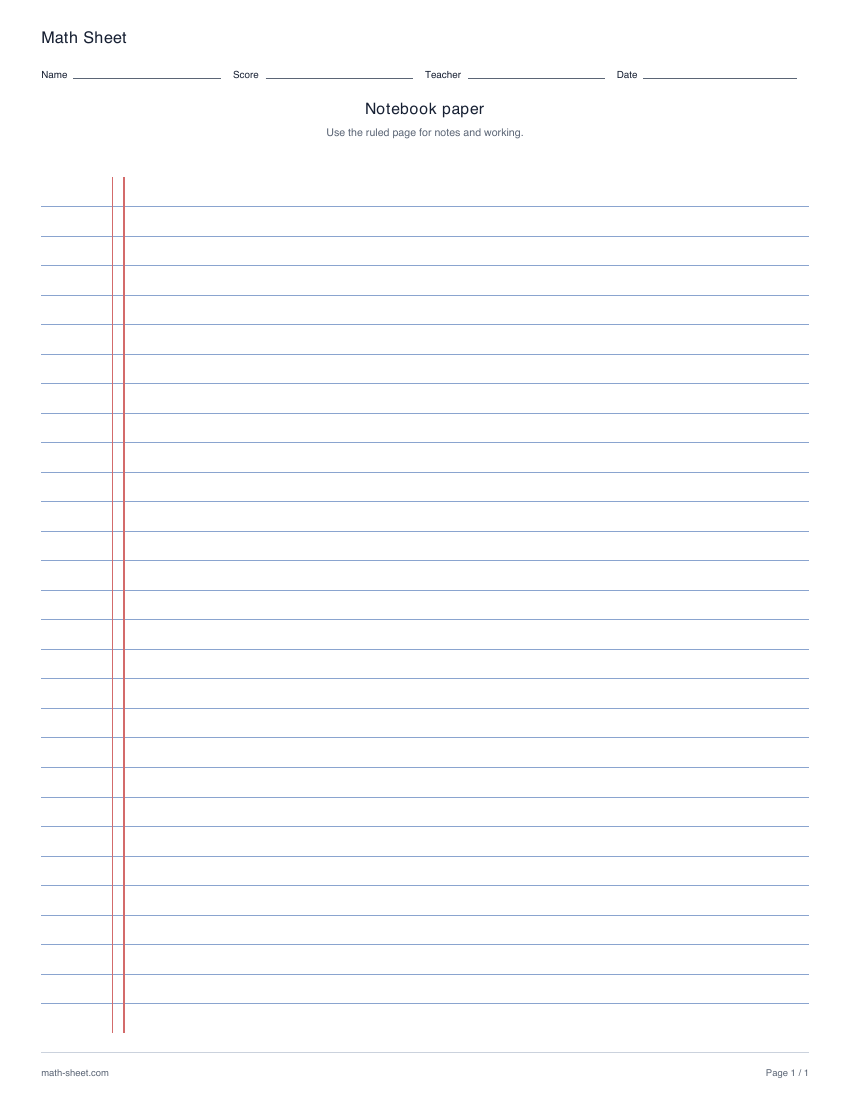
Download ruled notebook paper with twenty-eight horizontal lines and a double vertical margin guide. Print in US Letter or A4 for calculations and class notes.
Preview and downloadGraph paper reference
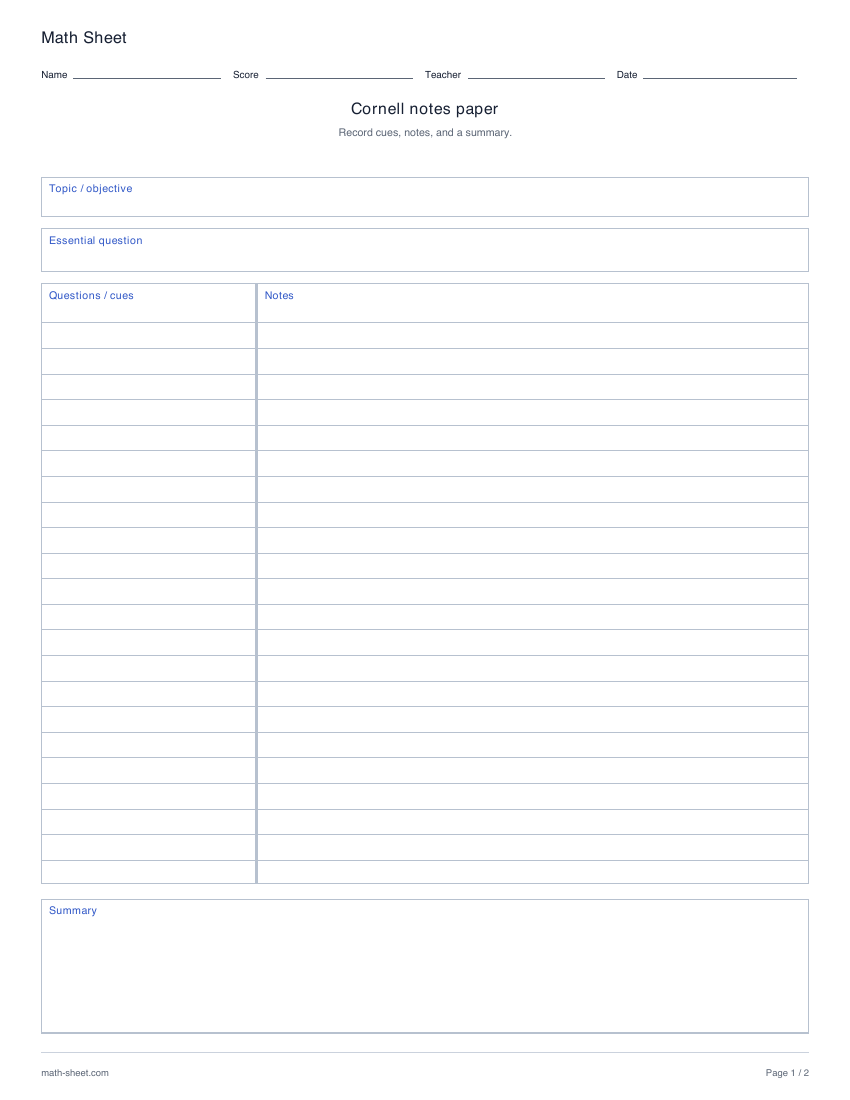
Print a two-page Cornell notes template with cue, notes and summary regions. Choose blank, solid-line, dotted-line or grid note areas in Letter or A4.
Ready-made English PDF · fixed settings
Customization below makes a separate PDF.
Fixed English ready-made files. Custom settings below apply only to the configured PDF.
Ready to print
Write the topic or objective and an essential question on the first page. Record working notes in the larger column, prompts in the cue column and a summary at the bottom.
Download the blank paper template for your own exercises, drawings or notes. Teaching explanations and worked examples are on this webpage; the PDF has no separate answer key.
The download always contains two pages. Both have cue, notes and summary areas. Topic/objective and essential question appear only on page one; the common student and teacher fields appear once on each page.
Choose US Letter or A4 before downloading. These blank templates provide the layout for your own lesson or exercise; they do not include a separate answer key.
Paper sizes and printing help →Learning objective
Organize a mathematical explanation into questions, working notes and a concise summary.
Worked example
Use “How can fractions name the same amount?” as the essential question.
Record diagrams and calculations in the notes area. Add cues such as “same whole” or “multiply both parts,” then summarize the rule in your own words.
Teaching notes
Make it yours
Choose your options, update the preview, then download the exact same pages.
Blank paper for your own exercises, diagrams and notes. Choose the paper size before printing. For measured grids, use Actual size or 100% in your printer settings.
A useful next step
Graph paper
Download ruled notebook paper with twenty-eight horizontal lines and a double vertical margin guide. Print in US Letter or A4 for calculations and class notes.
Preview and download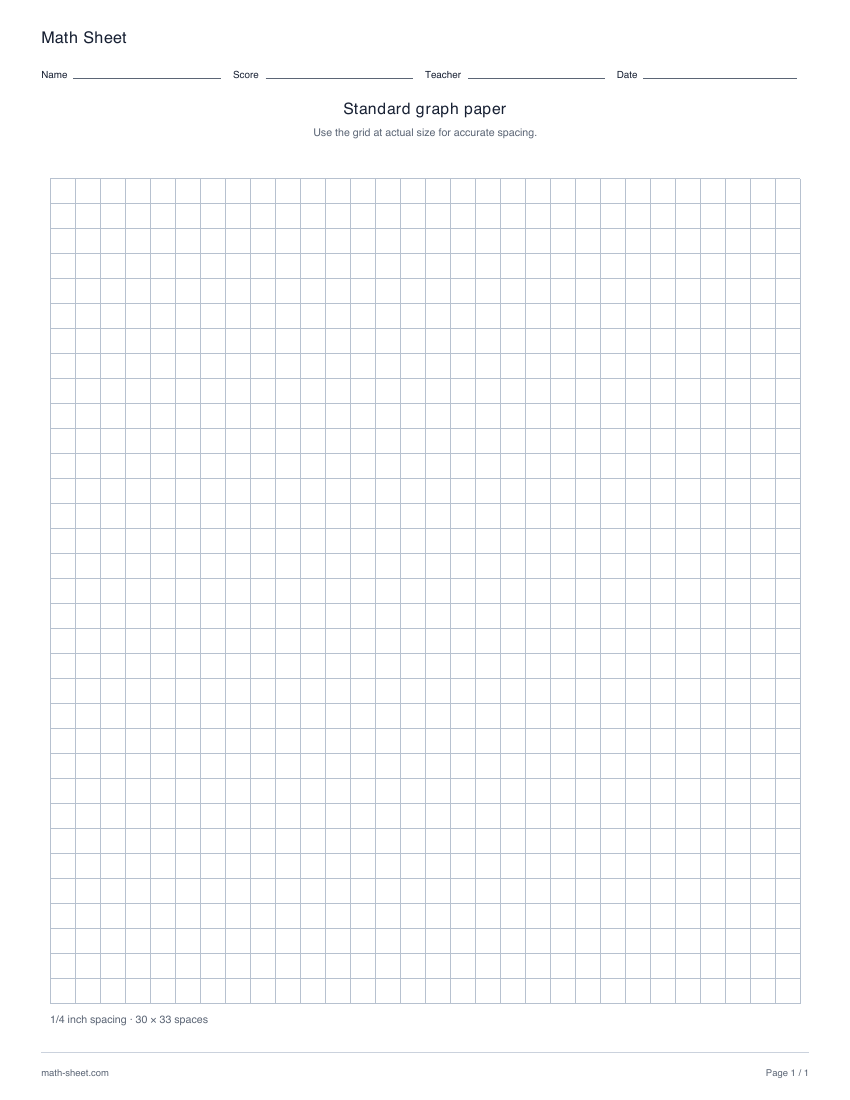
Graph paper
Print square graph paper with 1/10, 1/4, 3/8 or 1/2 inch spacing, or a true 1 cm grid. Choose US Letter or A4 and preview the actual number of cells.
Preview and download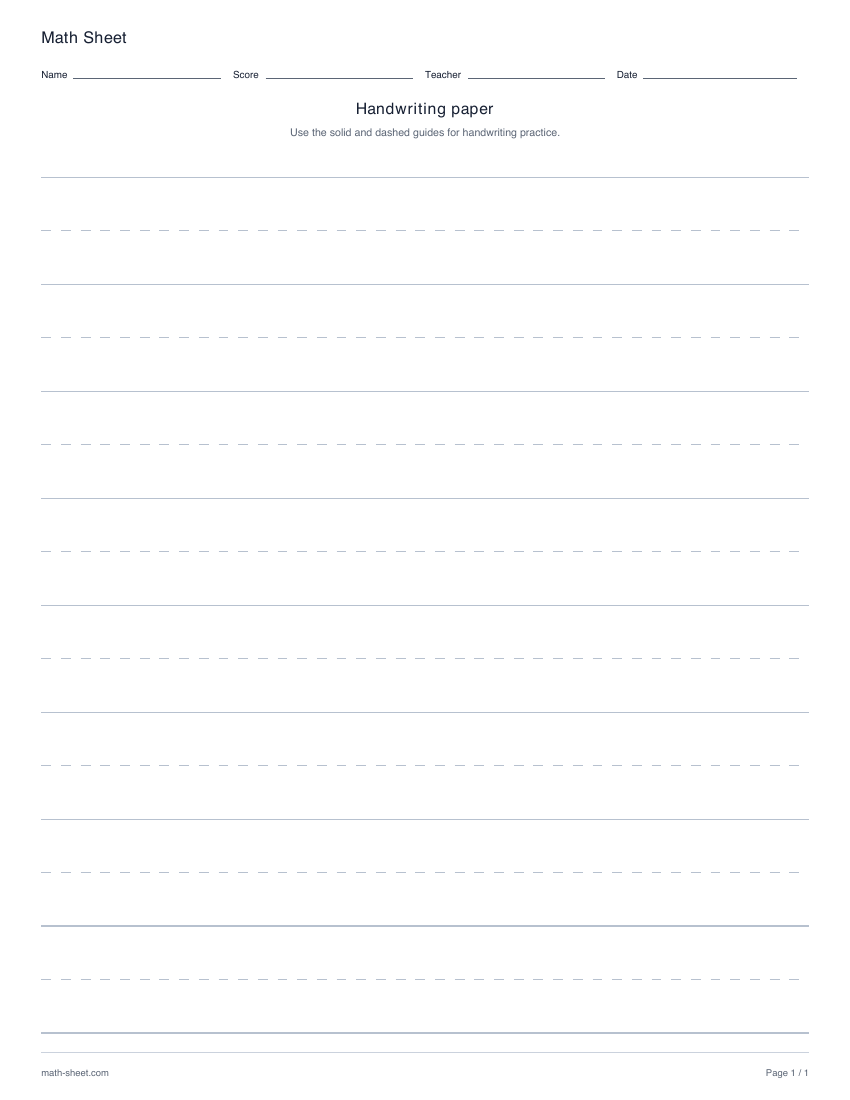
Graph paper
Print handwriting paper with eight writing bands, solid top and bottom rules, and dashed middle guides. Use the lines for number writing and short math explanations.
Preview and download