
Even and odd
Identify even and odd numbers
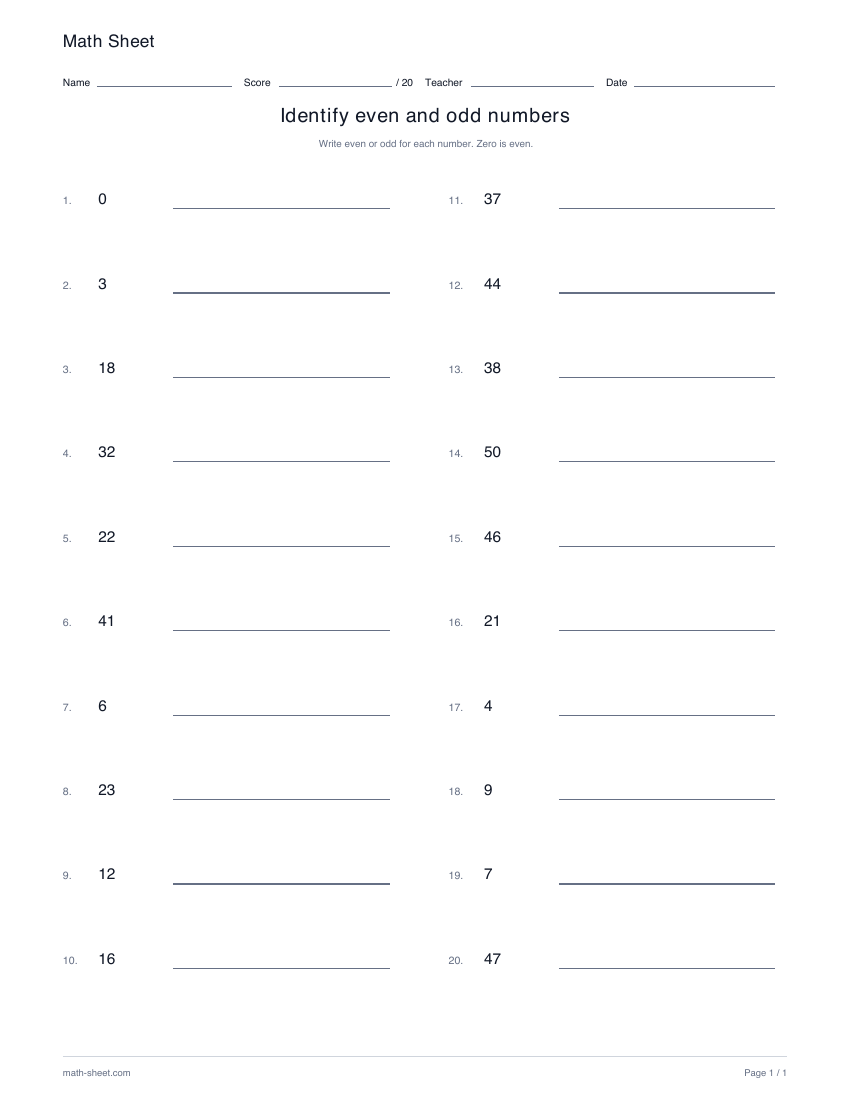
Write even or odd beside twenty different numbers. Choose a 0–20 starter range or practice larger values up to 200.
Preview and downloadEven and odd practice
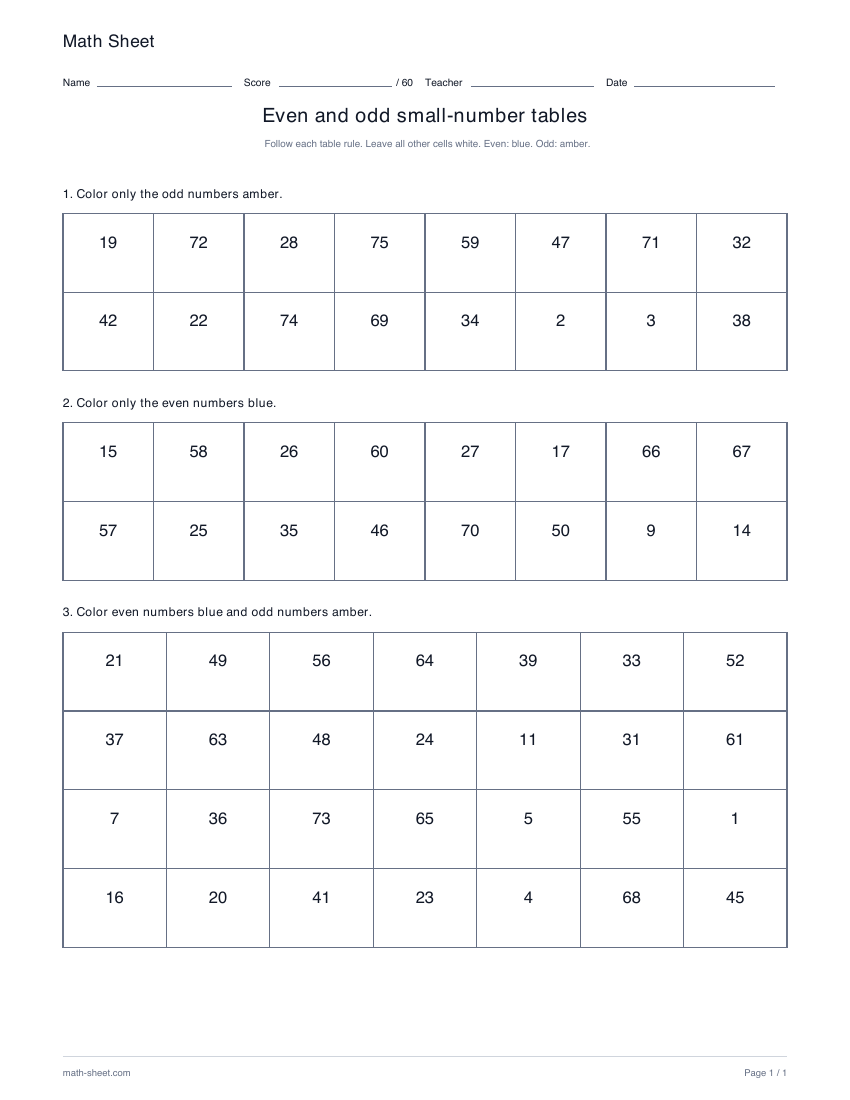
Work through sixty distinct values in three grids: color only odd numbers, only even numbers, then both groups. Choose ranges from 0–75 to 100–200.
Ready-made English PDF · fixed settings
Customization below makes a separate PDF.
Fixed English ready-made files. Custom settings below apply only to the configured PDF.
Ready to print
In the first grid, color only odd numbers amber. In the second, color only even numbers blue. In the last grid, color both groups using their matching colors.
Download the practice pages alone, or include a separate answer key or teacher model. Longer activities may use more than one page.
Customize this worksheetPaper sizes and printing help · More even and odd activities
There are three grids and sixty distinct values: sixteen odd-only decisions, sixteen even-only decisions and twenty-eight decisions covering both parities. In the first two grids, correctly leaving a cell neutral matters just as much as coloring a requested cell.
Learning objective
Apply an even-or-odd rule consistently while following a different selection instruction for each grid.
Worked example
Color 35 amber and leave 24 uncolored.
35 is odd because its ones digit is 5. Although 24 is even, this particular grid asks for odd numbers only.
Teaching notes
Make it yours
Choose your options, update the preview, then download the exact same pages.
A useful next step
Even and odd
Write even or odd beside twenty different numbers. Choose a 0–20 starter range or practice larger values up to 200.
Preview and download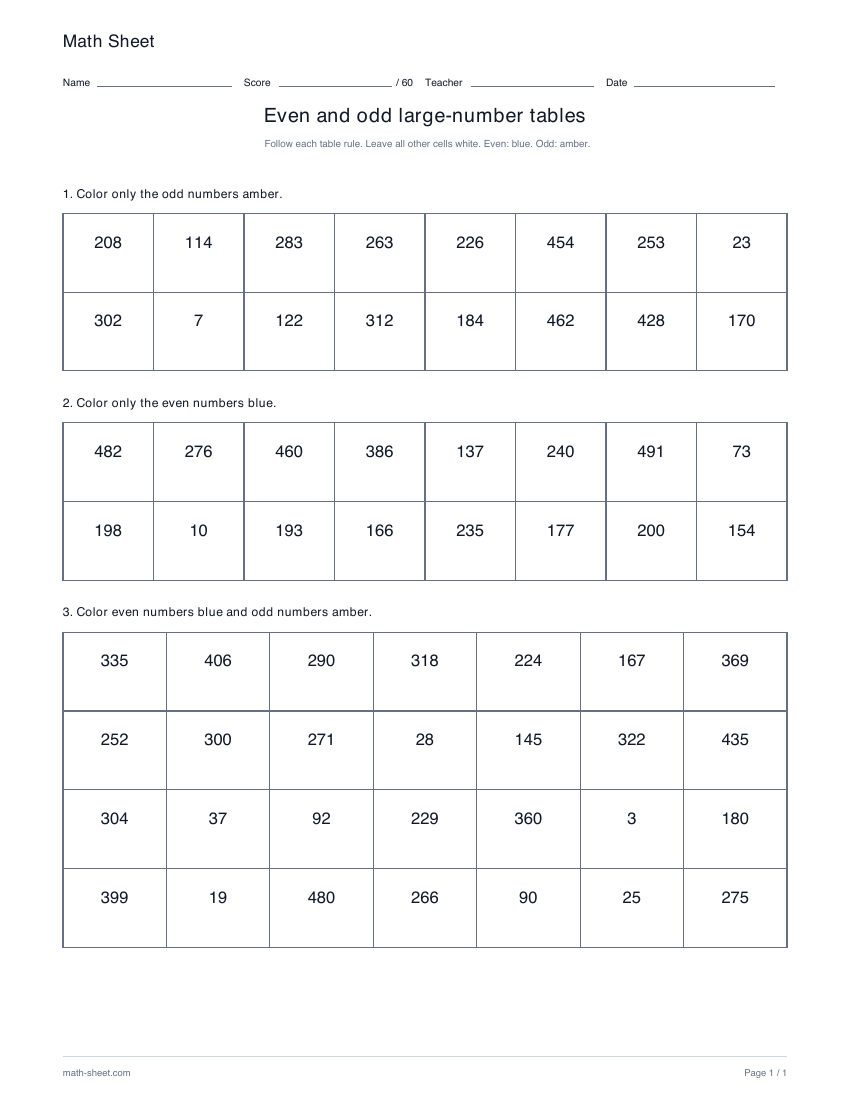
Even and odd
Classify sixty different larger values in odd-only, even-only and mixed grids. Select 0–500, 500–1000, 1000–1500 or 1500–2000.
Preview and download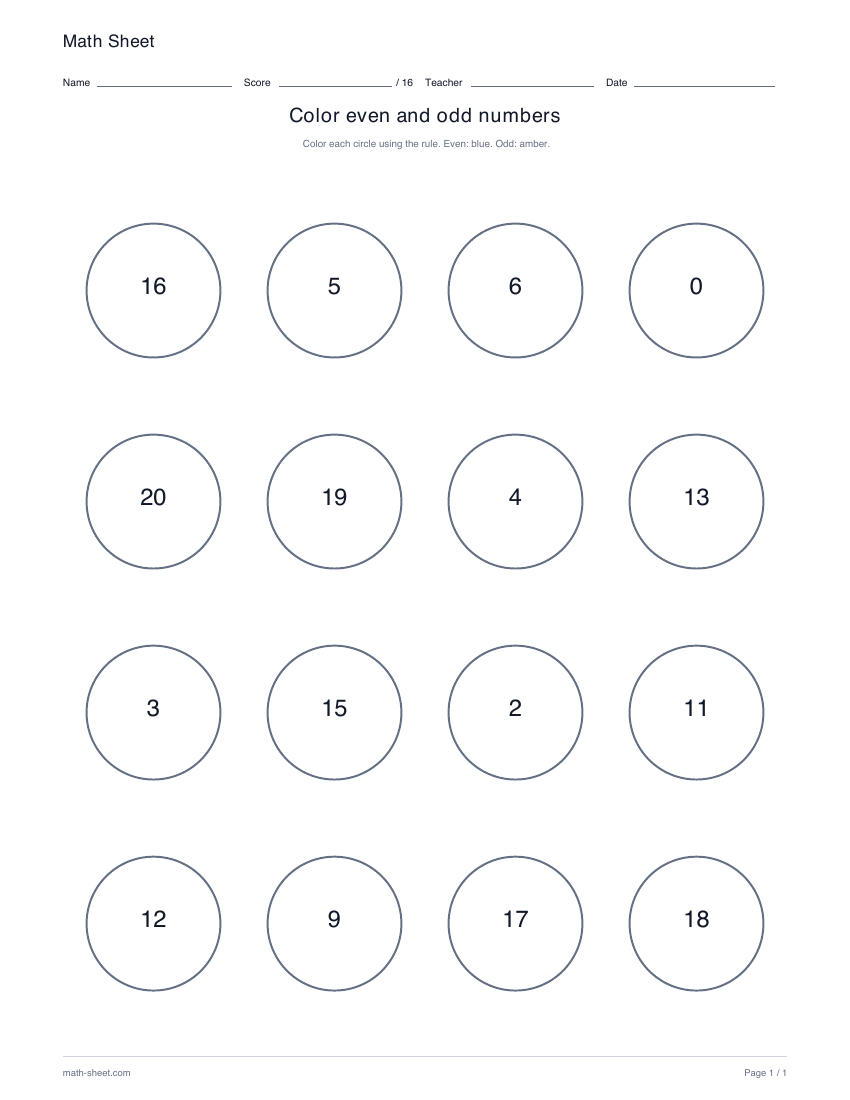
Even and odd
Sort sixteen numbered circles by coloring even numbers blue and odd numbers amber. Choose a small starting range or extend the numbers to 100.
Preview and download