Multiply decimal values using whole-number products and place-value reasoning to position the decimal point.
Worked example
What is 3.6 × 2.5?
9.00, or 9
Compute 36 × 25 = 900. The factors have two decimal places altogether, so the exact product is 9.00.
Teaching notes
Make the practice count
Use an estimate such as 4 × 2.5 = 10 to check decimal placement.
Keep trailing zeros during the place-value explanation, then simplify the written value if appropriate.
Choose a multiplying decimals worksheet
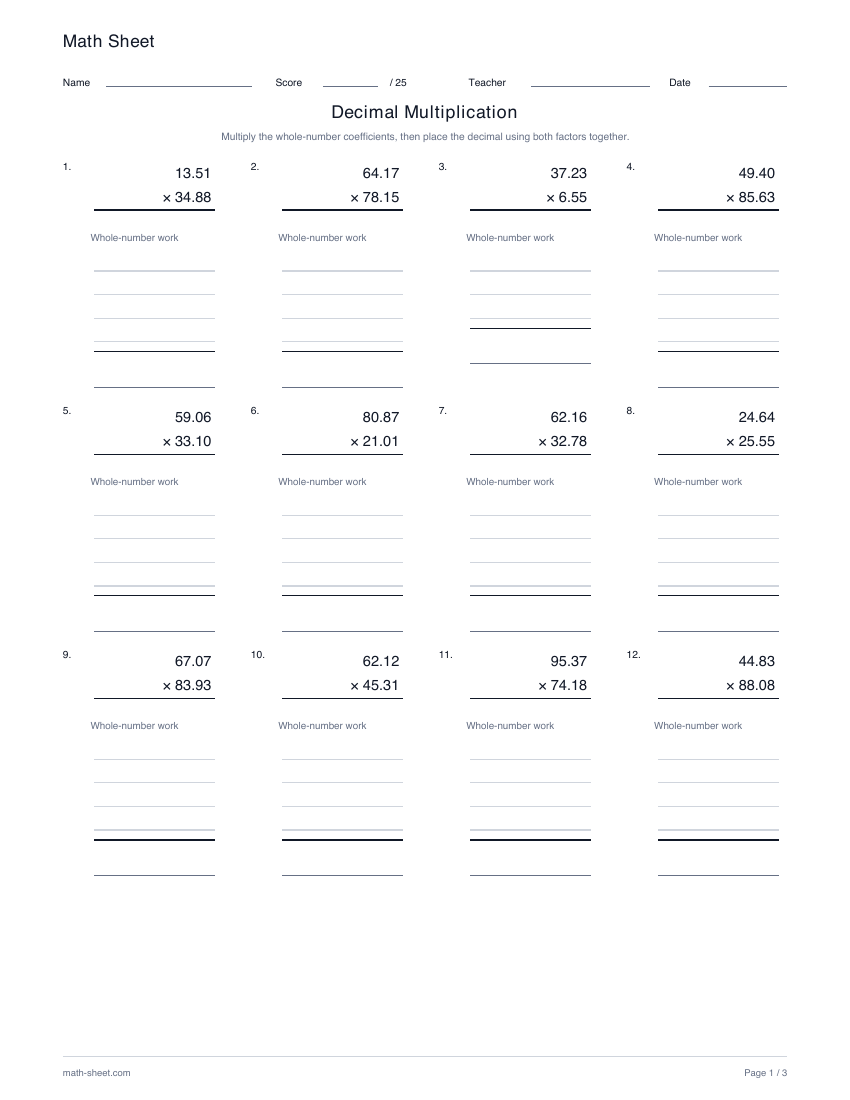
For a first sheet, choose 1 digit right of each decimal and 12 problems. Use 0 or 1 digit left of the decimal to keep the whole-number parts small, and leave the width set to Up to the selected width while learners practice multiplying tenths.
For more advanced practice, choose 2 digits right of each decimal and Exactly the selected width. Selecting 2 digits left then gives both factors two-digit whole-number parts, while every problem keeps vertical partial-product space and the answer key shows the exact product.
Do the digit settings apply to one factor or both factors?
They apply to both factors. Every problem uses the same selected number of digits right of the decimal for each factor, and the chosen whole-number width also governs both factors.
What is the difference between Up to and Exactly the selected width?
Up to can include shorter whole-number parts, including zero. Exactly requires the selected 1- or 2-digit whole-number width in both factors. With 0 digits left, both choices keep the factors below 1. Products retain the combined decimal scale: tenths produce two decimal places and hundredths produce four.
Make it yours
Customize the practice
Choose your options, update the preview, then download the exact same pages.
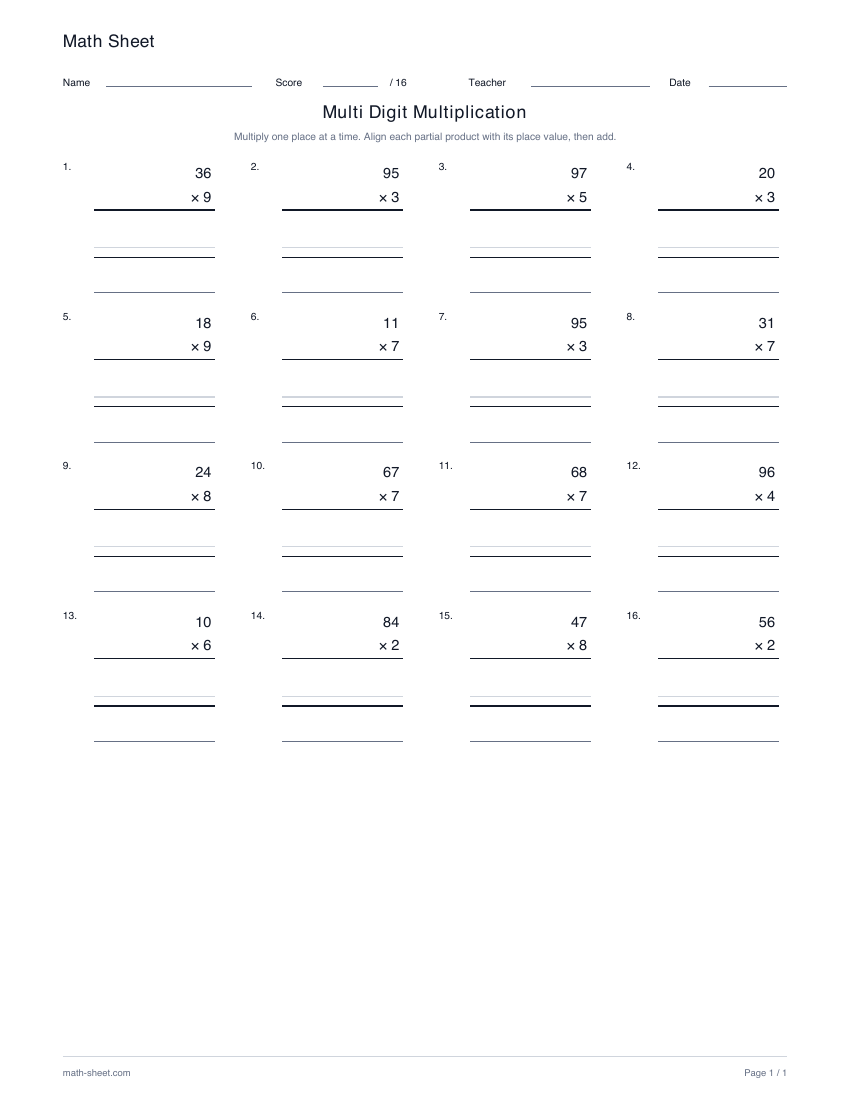
Create double digit multiplication worksheets with the two-digit by two-digit preset, or practice other factor lengths. Ready-made sheets use two digits by one digit, with room for partial products.